Personal, Shared, and LinearB Catalog Content
Every dashboard in Agentic Studio is Personal, Shared, or LinearB Catalog content. This tells you who owns it and whether you can change it.
Agentic Studio is currently in beta. Reach out to your CSM to request access or share feedback.
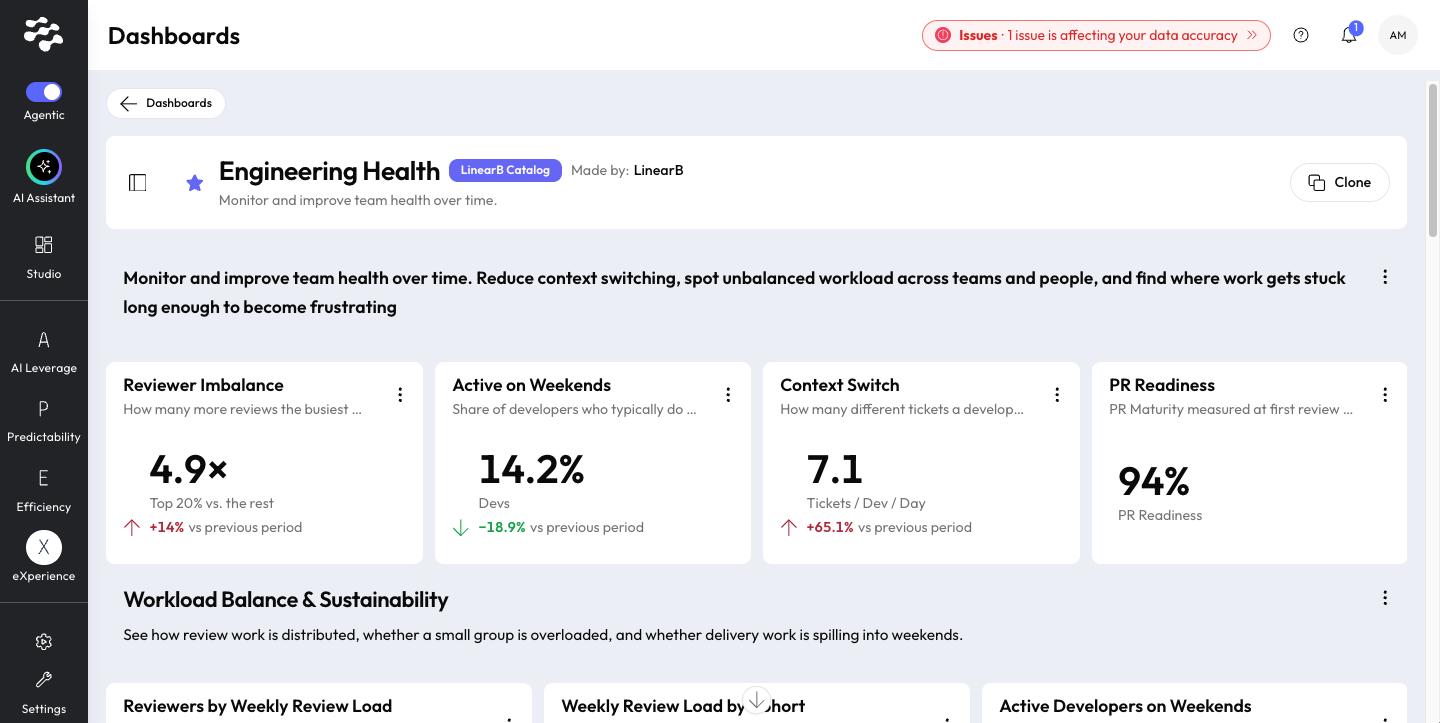
Every dashboard in Agentic Studio carries a badge that tells you where it comes from and whether you can change it.
New to Agentic Studio? Start with Agentic Studio Overview.
Content | What it is | Can you change it? |
LinearB Catalog | Official dashboards and metrics curated by LinearB. | No. Clone it to get a Personal copy. |
Personal | Dashboards you created. Only you can see and edit them. | Yes. |
Personal + Shared | A Personal dashboard whose owner set its visibility to Shared. Everyone in your organization can view it. | Only the owner. Others can clone it to get their own copy. |
Who can create dashboards
Every user can create Personal dashboards, whatever their permission role.
Change a dashboard you cannot edit
- Open the dashboard, or find it in the library.
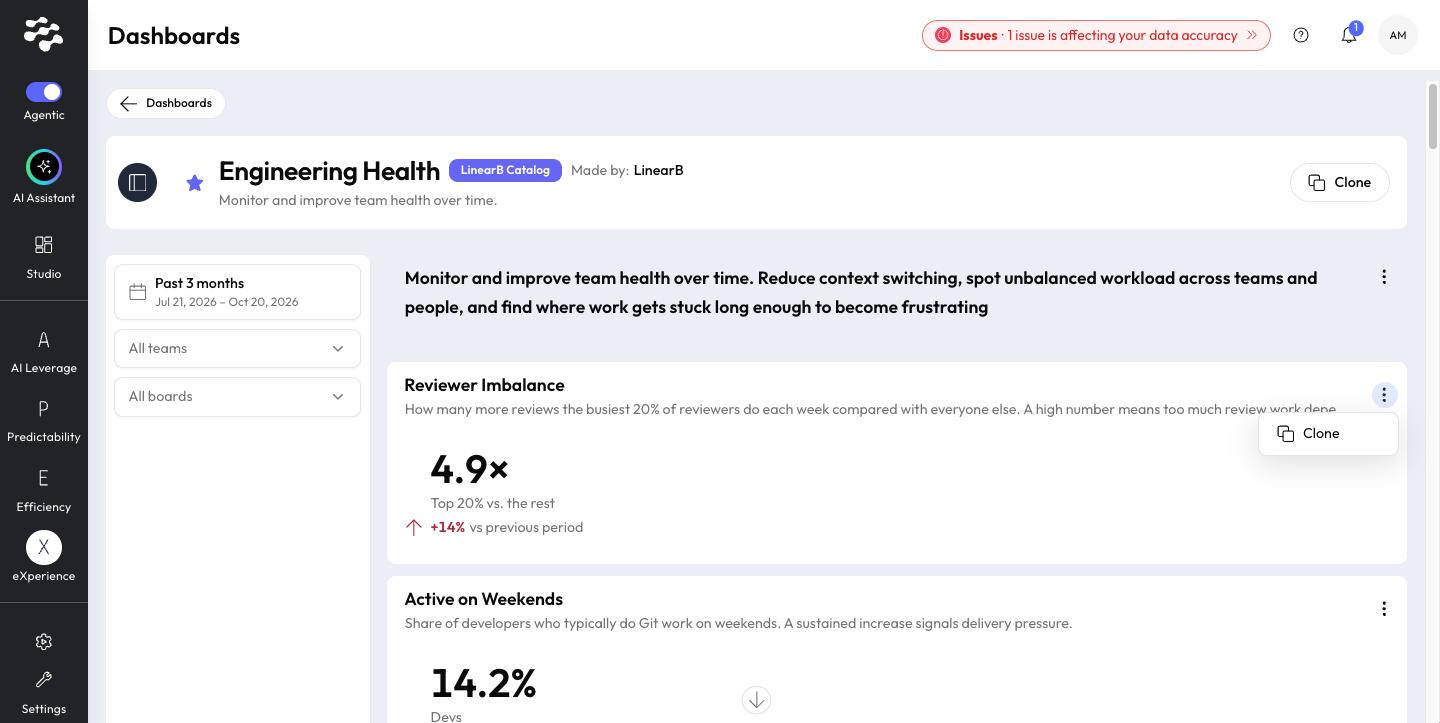
- Select Clone.
- Change your Personal copy. The original is not changed.
Related articles
Need help with Agentic Studio? Contact support@linearb.io or visit the LinearB Help Center.
How did we do?
