Widget Types
Reference of the widget types available in Agentic Studio.
A widget shows one metric in a chosen Widget Type. Choose the type when you build the widget.
New to Agentic Studio? Start with Agentic Studio Overview.
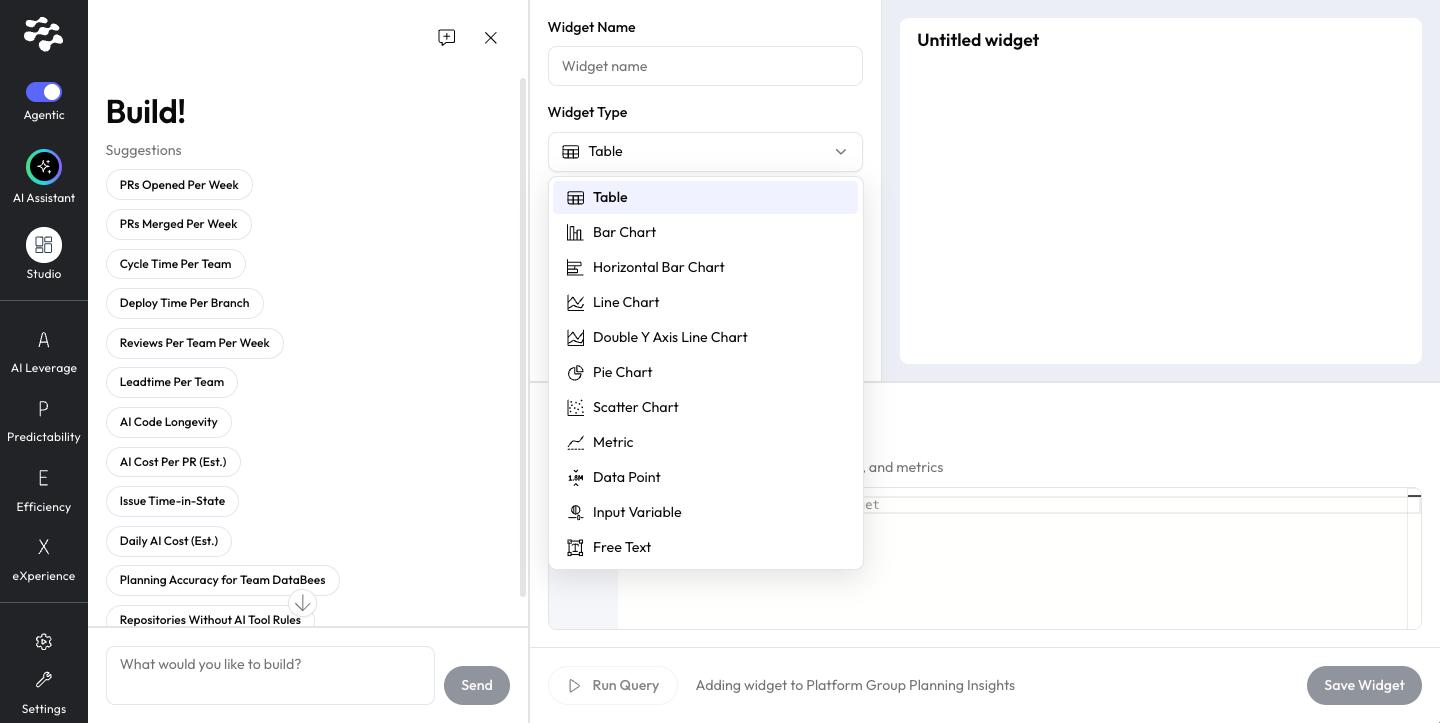
Widget types
Widget type | Best for |
Table | Detailed values per row. |
Bar Chart | Comparing values across teams, repositories, or periods. |
Horizontal Bar Chart | Comparing values with long labels. |
Line Chart | Trends over time. |
Double Y Axis Line Chart | Two related series with different scales. |
Pie Chart | Shares of a whole. |
Scatter Chart | The relationship between two values. |
Metric | A single headline number. |
Data Point | The same metric across two time periods. Shows the LinearB benchmark when one exists for the metric. |
Input Variable | A value you set that other widgets use. |
Free Text | Notes and context on a dashboard. Resizable. |
Related articles
Need help with Agentic Studio? Contact support@linearb.io or visit the LinearB Help Center.
How did we do?
