Switch Between Agentic Studio and Classic
Move between Agentic Studio and the Classic LinearB experience at any time with the switch in the menu bar.
When Agentic Studio is on for your organization, you can move between Agentic Studio and Classic with the Agentic switch at the top of the menu bar. The switch works in both directions.
New to Agentic Studio? Start with Agentic Studio Overview.
Your first visit
When Agentic Studio is on for your organization, your first visit opens in Agentic Studio, on the assistant home.
LinearB remembers the experience you chose last, across sessions.
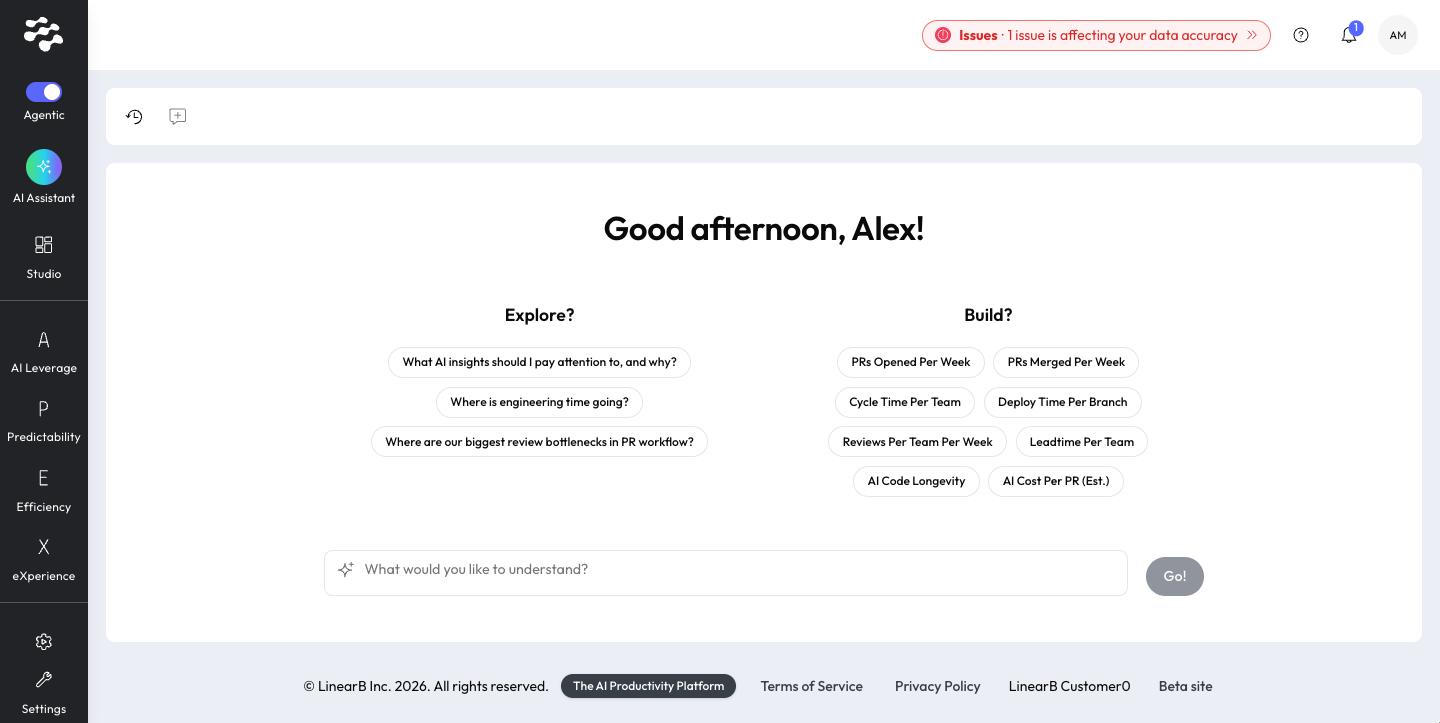
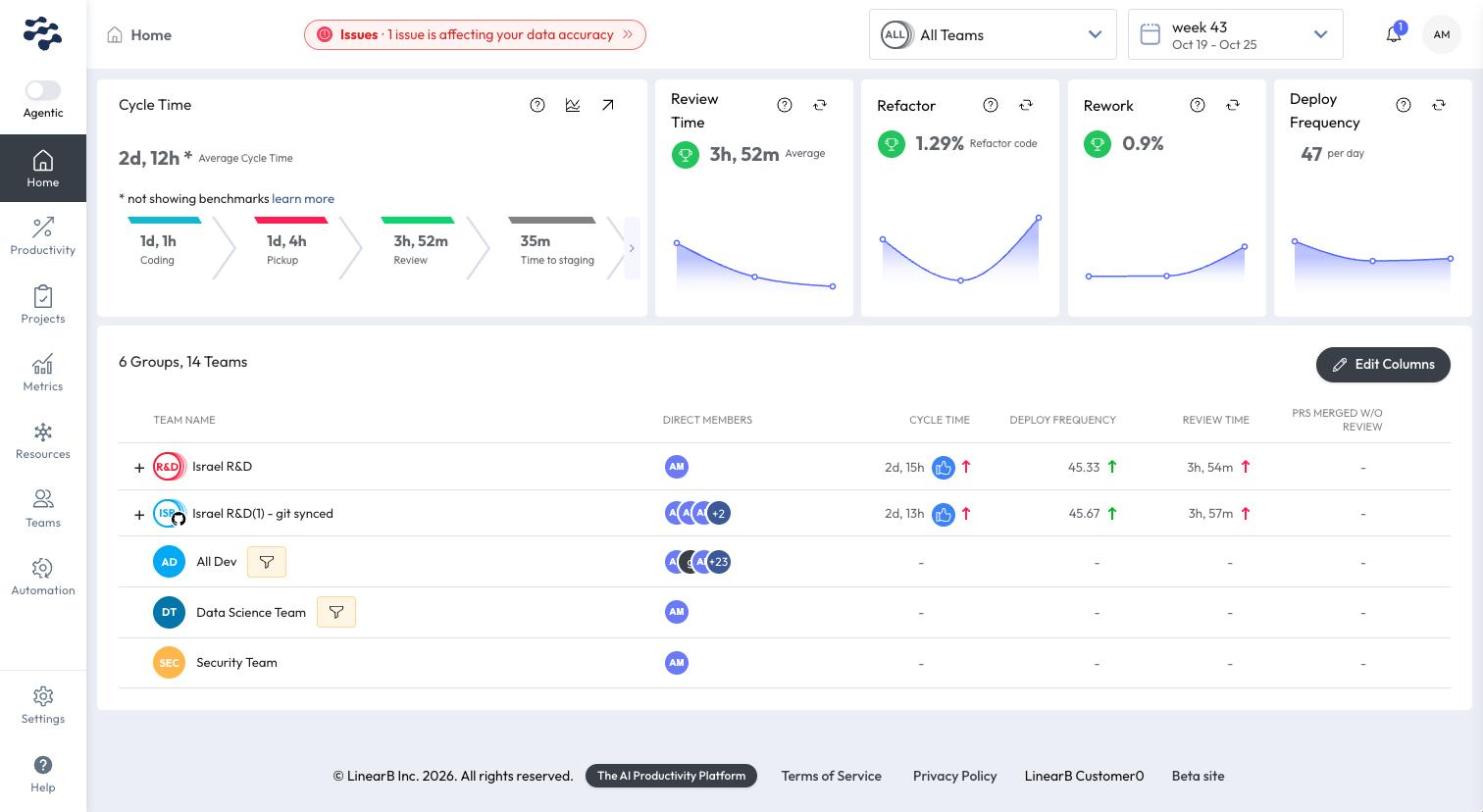
Switch to Classic
Turn off the Agentic switch at the top of the menu bar. LinearB refreshes and opens the Classic home page.
Switch to Agentic Studio
Turn on the Agentic switch at the top of the menu bar in Classic.
LinearB refreshes and opens your Agentic Studio home: the AI Assistant, or the dashboard library if AI Services is off for your organization.
What to expect
- Switching always refreshes the app and opens the home page of the experience you switched to. It does not keep your place on the current page.
- Nothing you created in Agentic Studio is lost when you switch to Classic.
- Some content is available only in Classic. See What's changed from Classic.
Related articles
Need help with Agentic Studio? Contact support@linearb.io or visit the LinearB Help Center.
How did we do?
